How to configure email on a phone or computer
Connect your account to Outlook, Thunderbird, Android or iPhone using secure settings.
Before you start
Create the mailbox first and confirm that you can sign in to Webmail.
- Full email address and mailbox password.
- Server names shown under Connect Devices in cPanel.
1. Open manual settings
In cPanel, open Email Accounts, choose Connect Devices and view the secure SSL settings.
2. Add the account
On the device, add an Other mail account and enter the name, address and password.
3. Configure incoming mail
Use IMAP with SSL, commonly port 993, and the server displayed by cPanel.
4. Configure outgoing mail
Use authenticated SMTP with SSL/TLS and the server and port shown by cPanel.
5. Test
Send and receive a message. Always use the full email address as the username.
Important: Use the exact values displayed in your cPanel; ports and server names may vary.
Step-by-step screenshots
Use these screens as a visual reference while following the guide in the client area.
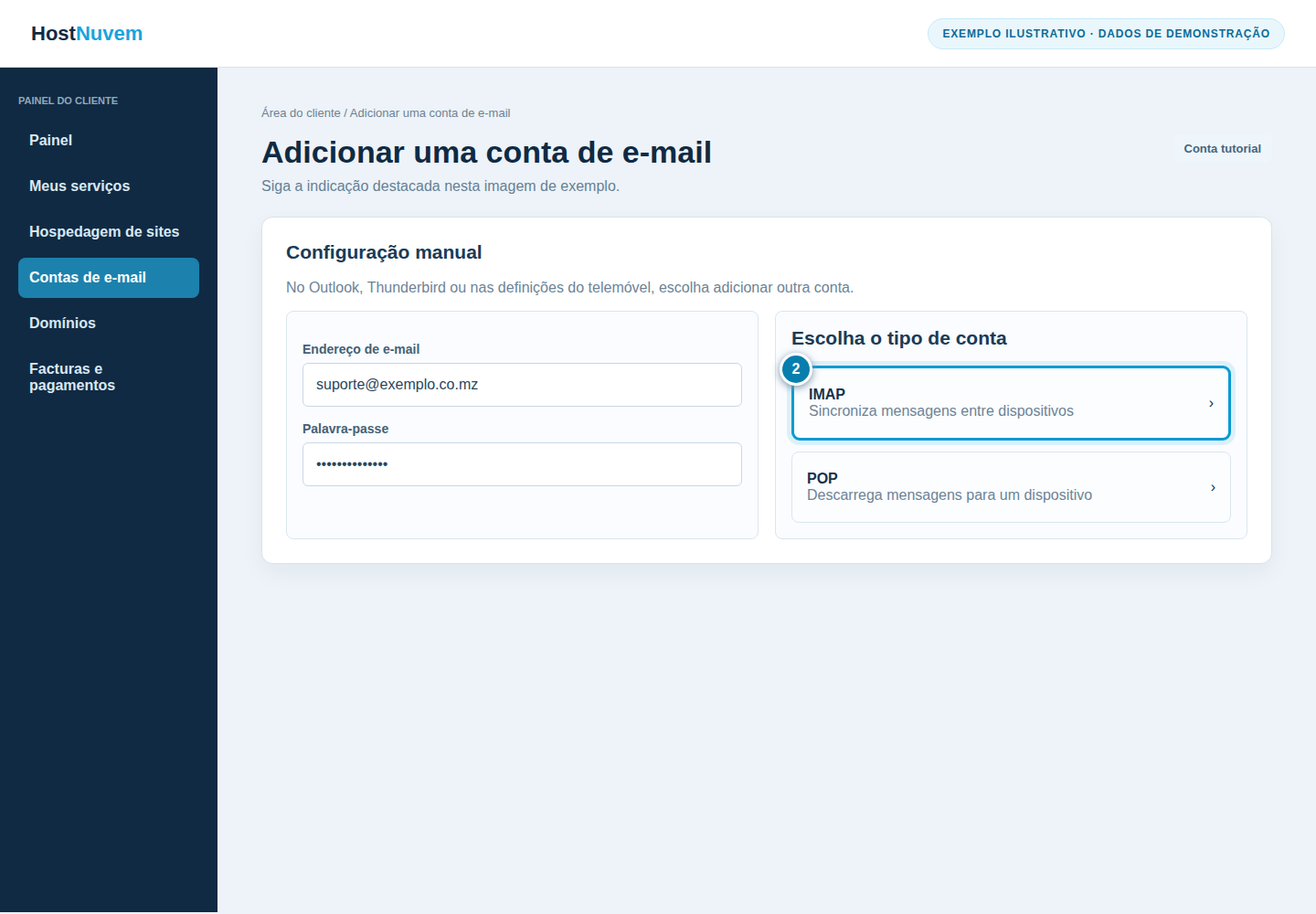


cPanel screenshots
Use these cPanel screens as a visual reference for the technical part of the guide.

What happens next
For certificate or authentication errors, verify device time, password and server settings before retrying.